Grafana Labs (Cloud)
Slide
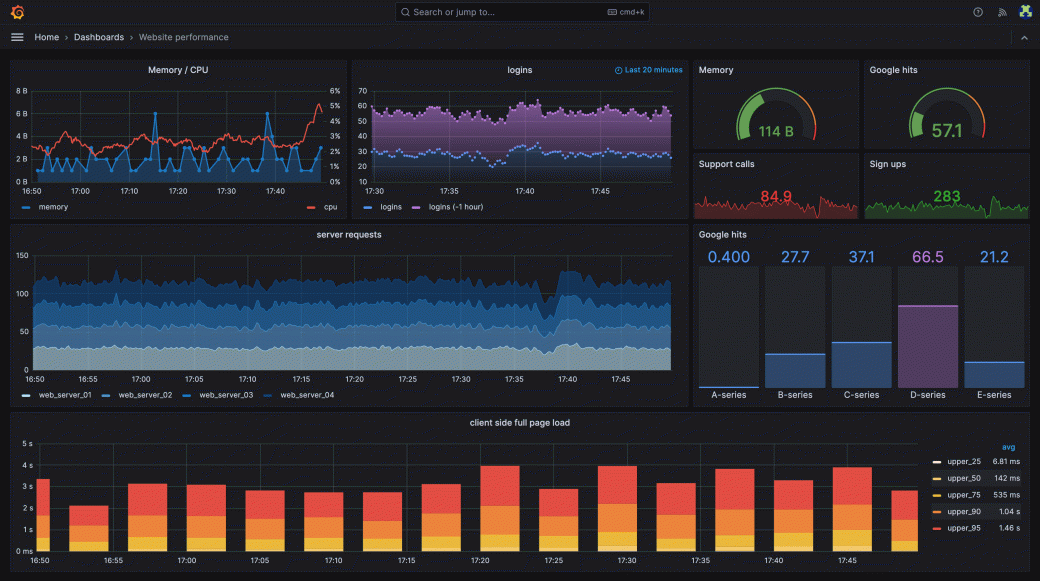
Put Grafana dashboards on display so ops data stays visible across the team.
What you can do
- Show dashboards – Display any Grafana Cloud dashboard
- Live monitoring – Data updates in real time
- Multiple dashboards – Add different views to different slides
Set it up
Grafana dashboards are rendered as full-HD image snapshots through Grafana Cloud's render endpoint and refreshed automatically in the background.
Create a service account token
- In Grafana, go to Administration → Users and access → Service accounts.
- Create a service account with the Viewer role.
- Click Add service account token and copy it — Grafana only shows it once.
Connect Grafana
- Click Connect on the Grafana Labs (Cloud) page under Integrations.
- Enter your Grafana domain (e.g.,
yourcompany.grafana.net) and paste the service account token.
Add it as a slide
- In your slideshow, click Add slide → Grafana Dashboard.
- Select the dashboard from the list.
- Save. The snapshot refreshes automatically while the slide is on screen.