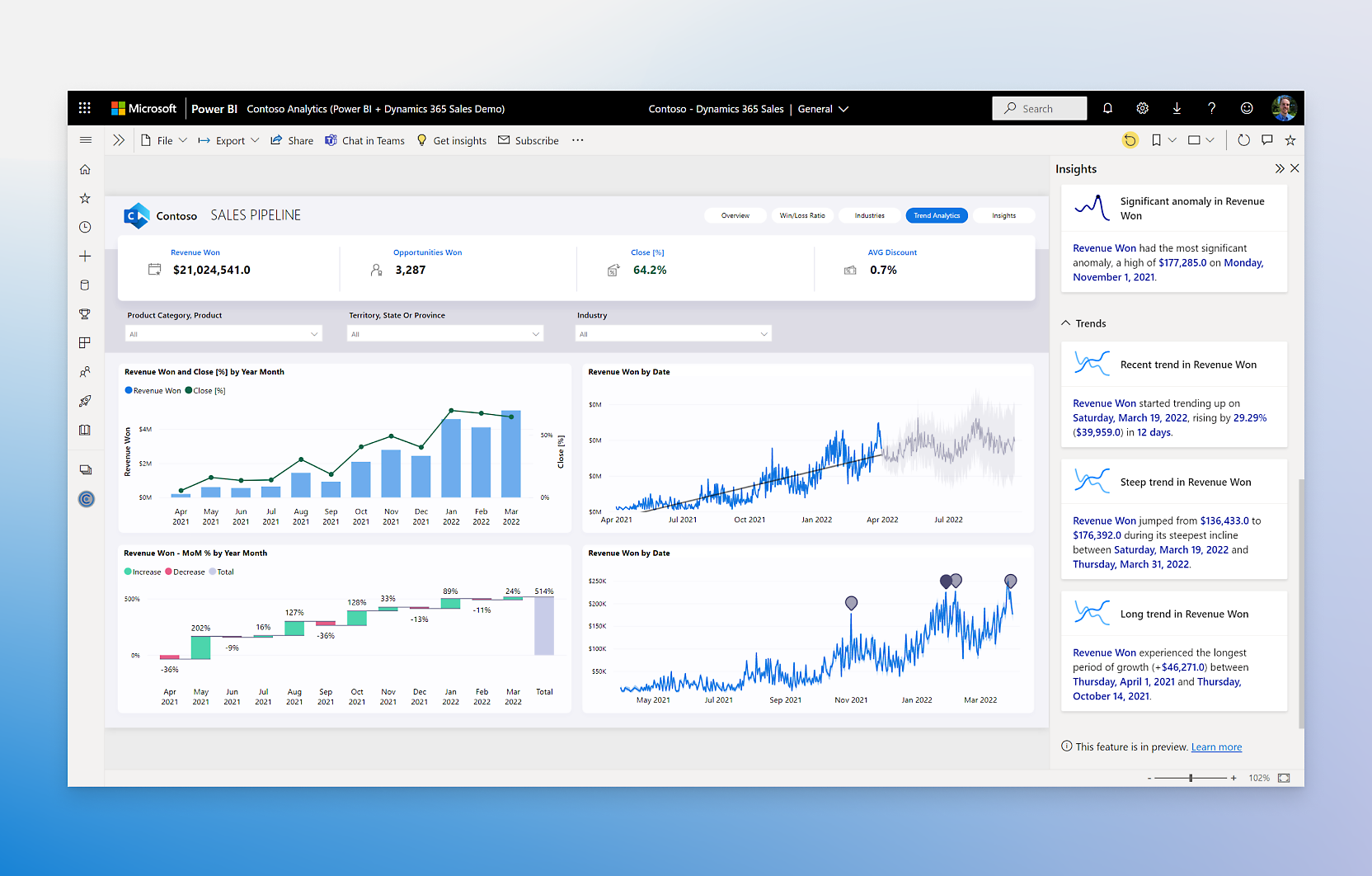
Power BI
Slide
Show Power BI reports and dashboards on your devices so key metrics stay visible across the team.
What you can do
- Show reports and dashboards – Display any Power BI content
- Cycle through pages – Rotate through report pages automatically
- High quality – Reports render as crisp images
Set it up
Power BI reports are exported as image snapshots through Microsoft's export API and refreshed automatically in the background.
Heads up — admin setting required. Exports only work when your Power BI administrator has enabled Export reports as image files (Admin portal → Tenant settings → Export and sharing settings). With it disabled the connection still works, but slides stay blank.
Connect Power BI
- Click Connect on the Power BI page under Integrations.
- Sign in with the Microsoft account that has access to the workspace you want to display.
Add it as a slide
- In your slideshow, click Add slide → Power BI.
- Select the Workspace and Report — optionally a specific page and a report filter.
- Save. The report refreshes automatically while the slide is on screen.