Relatel
Slide · Reviews
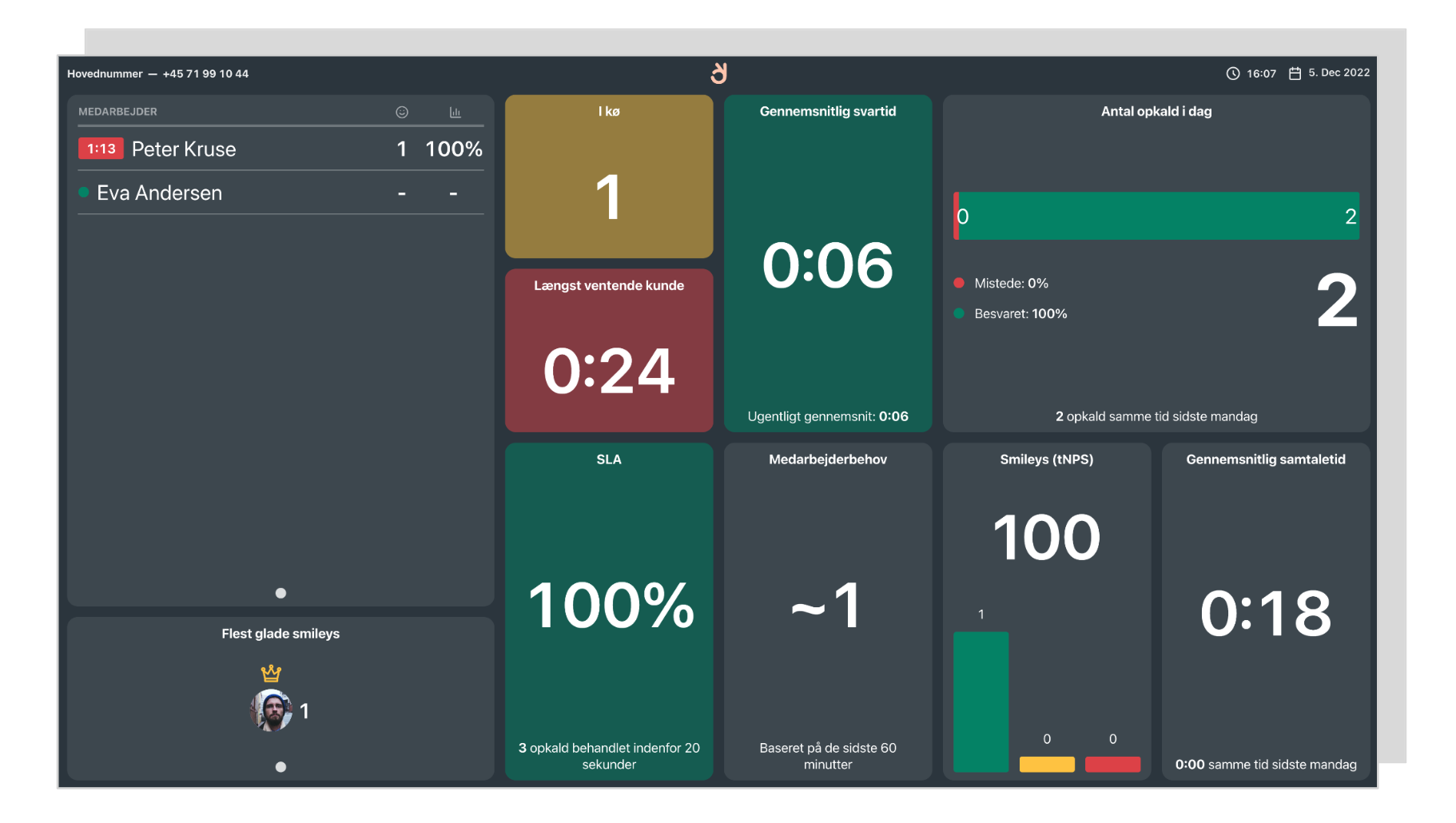
Bring Relatel data to the big screen. Show wallboards directly or add customer smileys to a Review Board.
What you can do
- Show wallboards – Display any Relatel wallboard as a slide
- Add to Review Boards – Pair smileys with other feedback
- Stays in sync – Data updates automatically
Set it up
Relatel wallboards are shown live on your devices, straight from tv.relatel.dk.
Connect Relatel
- Click Connect on the Relatel page under Integrations and sign in with your Relatel account.
Add a wallboard as a slide
- In your slideshow, click Add slide → Relatel.
- Select the wallboard from the list.
- Save. The wallboard renders live on your devices.
You can also show reception smileys in a Review Board: open Review Boards in the sidebar, add a Relatel source, and pick the reception.